
WorldRemit Referral Code: What It Is and How to Use It
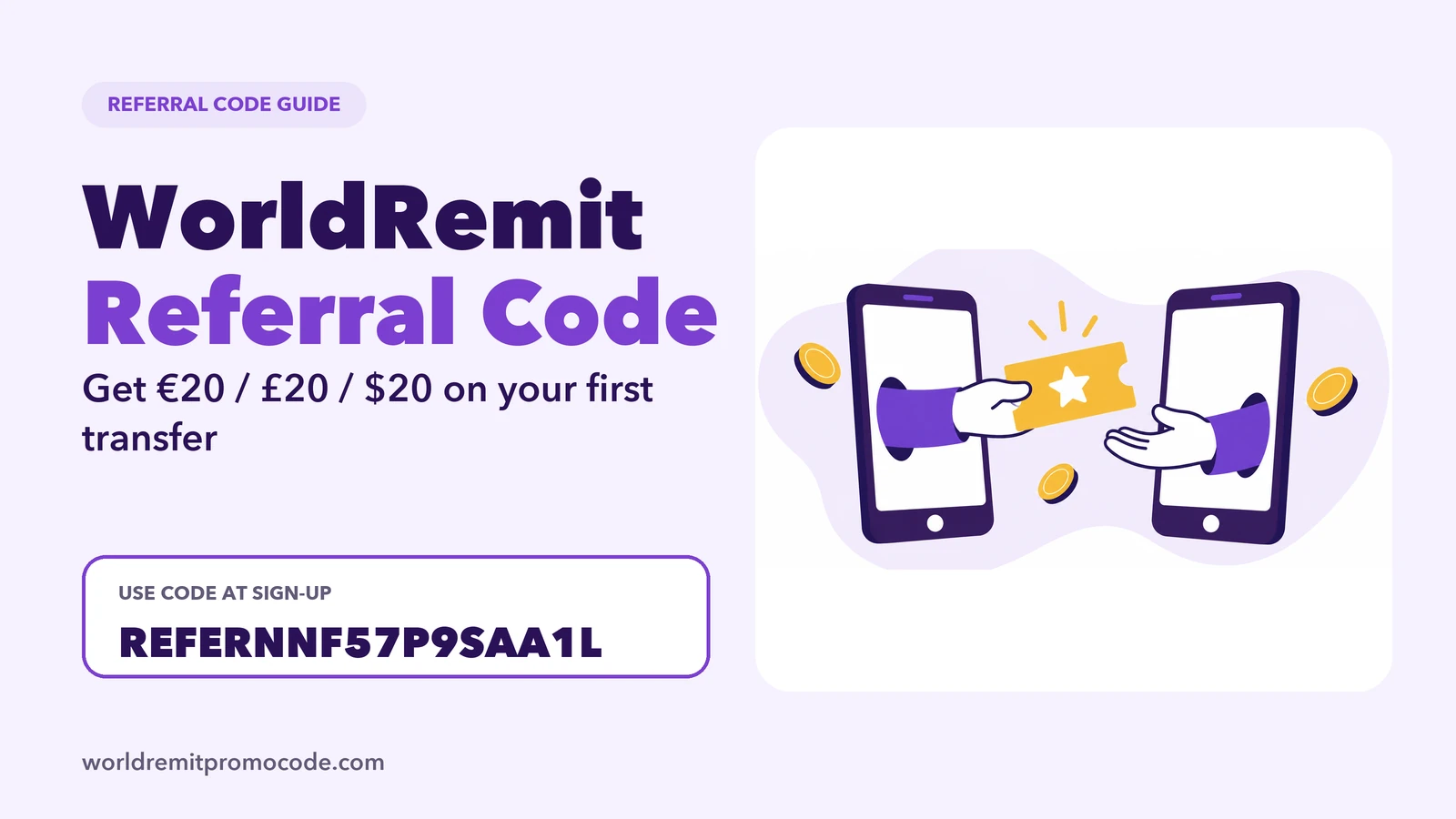
A WorldRemit referral code is a code one customer shares and a new customer types in when they sign up. If the new customer then sends enough money, a reward follows. The code on this site is REFERNNF57P9SAA1L, and the offer that goes with it is simple: open a new account, enter the code, send €30 / £30 / $30 or more on your first transfer, and get a €20 / £20 / $20 bonus when it completes.
WorldRemit itself treats the two differently: its referral code belongs to its Refer a Friend programme, and a promo code is a separate kind of code entered on a transfer. People search for both names, so this guide covers the referral code and how it fits with the offer promoted on this site.
How WorldRemit's own referral programme works
WorldRemit explains its refer-a-friend scheme in an official article dated March 2022. The main points:
- An existing customer gets a unique referral code after sending a first transfer. It is emailed to them, and it is also on the "Refer a friend" page of the website (when logged in) and in the app.
- The friend must be a new customer and enters the code on the sign-up form.
- The friend then has to send a set amount. That amount depends on the country they send from, and it can be built up over several transfers.
- When the amount is reached, both people get a money-off voucher by email, to use within 12 months.
That article is a few years old, so treat it as a guide to how the idea works, not as today's exact terms. WorldRemit's terms and conditions are the place to confirm current conditions.
The offer on this page
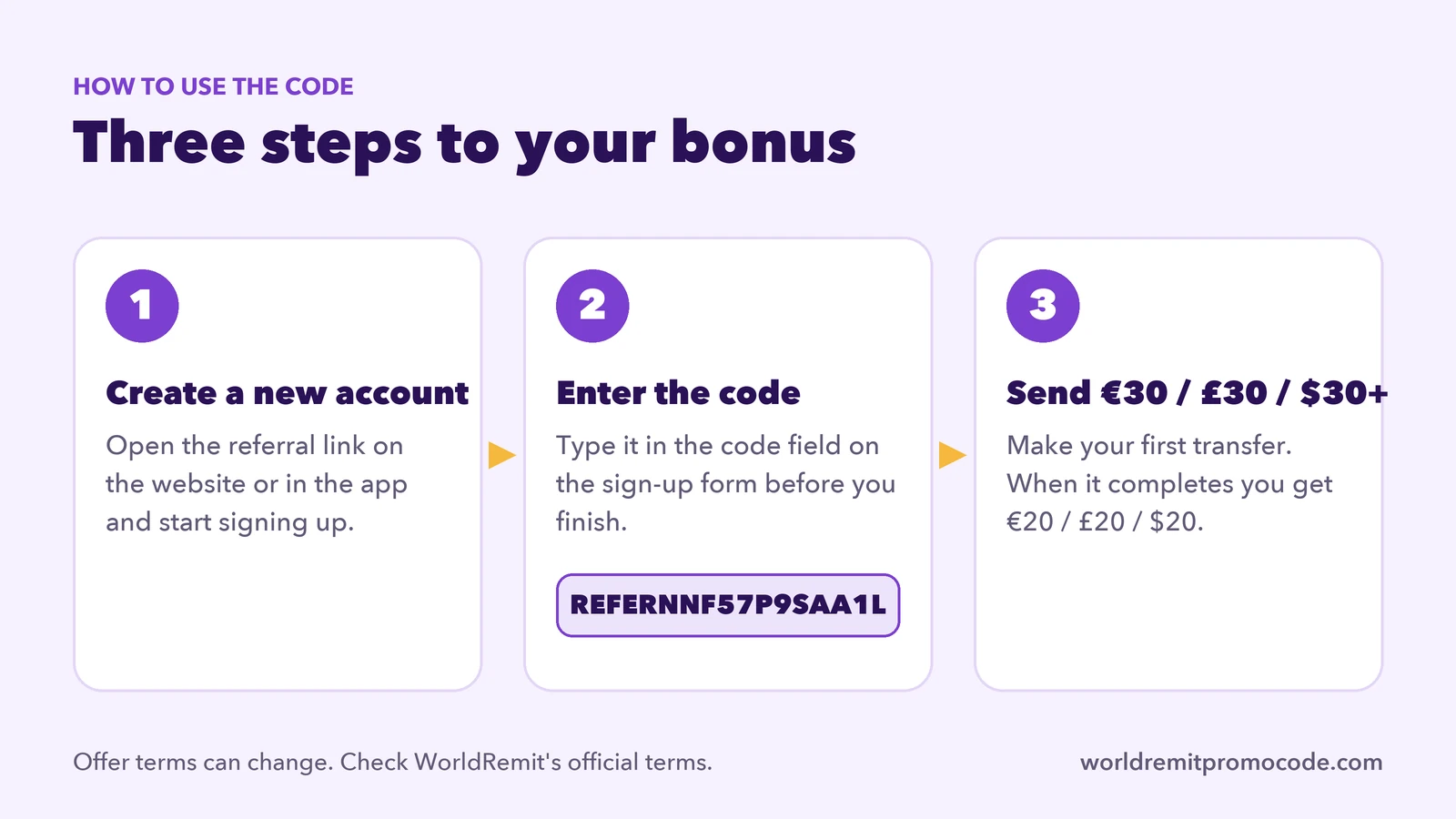
- Create a new WorldRemit account through our referral link.
- Enter the code REFERNNF57P9SAA1L during sign-up.
- Make your first transfer of at least €30 / £30 / $30 in your sending currency.
- When the transfer is complete, you get the €20 / £20 / $20 bonus.
The amounts and conditions are set by WorldRemit and can change or vary by country, so check what you are offered at sign-up.
How to use the code, step by step
- Start from the link. Open the referral link on your phone or computer. You can use the website or install the app from the official store pages.
- Fill in the sign-up form. WorldRemit says the place to enter a referral code is on the sign-up form. Type REFERNNF57P9SAA1L there before you finish. Do not skip it and plan to add it later. The guide to where each kind of code goes shows the difference between a referral code and a promo code.
- Verify your details. WorldRemit says it checks who you are for security, and that this should only take a few minutes. The ID verification guide lists what is accepted and how long it takes.
- Send your first transfer. Pick the receiving country and method, and check the amount, fees and exchange rate shown before you confirm. The full walk-through is in how to use WorldRemit.
- Watch your email. Rewards and vouchers can arrive by email. If you cannot see one, look in your spam folder.
Where to find your own code
If you already use WorldRemit and have sent a transfer, you should have your own code. WorldRemit says it is emailed after the first transfer, and you can also find it on the "Refer a friend" page on the website or in the app. Sharing your own code with a friend is the official way to earn from the scheme.
WorldRemit also has its own short video on the referral idea:

Check these before you use any code
- New accounts only. WorldRemit describes the programme as being for new customers. If you already have an account, read can existing customers use a promo code? before you count on a reward.
- Your sending currency matters. The amount you need to send depends on where you send from, so read the terms for your country.
- Use the official site or app. Sign up on worldremit.com or the official app. Never pay anyone for a code, and never share your password or a verification code with anyone. See Is WorldRemit safe? for a checklist.
- Read the terms. Offers change. WorldRemit's terms are the final word.
FAQ
Where do I enter the WorldRemit referral code?
On the sign-up form when you create your new account. WorldRemit says the option is on that form. Enter REFERNNF57P9SAA1L before you finish signing up.
Can I use a referral code if I already have an account?
WorldRemit's referral scheme is for new customers, so the code is meant for new accounts. Check WorldRemit's terms if you are unsure.
How much do I need to send to get the bonus?
For the offer on this page, your first transfer needs to be at least €30 / £30 / $30 in your sending currency. WorldRemit's own programme says the required amount depends on the country you send from, so check the conditions for yours.
When will I get the reward?
In WorldRemit's programme, vouchers are emailed once the required amount has been sent, so check your spam folder if one does not appear. For the offer on this page, the bonus follows when your first transfer completes.
Is this website official?
No. This is an independent site that shares a referral code and may earn a reward if you sign up through its link. See the affiliate disclosure.