
How to Create a WorldRemit Account
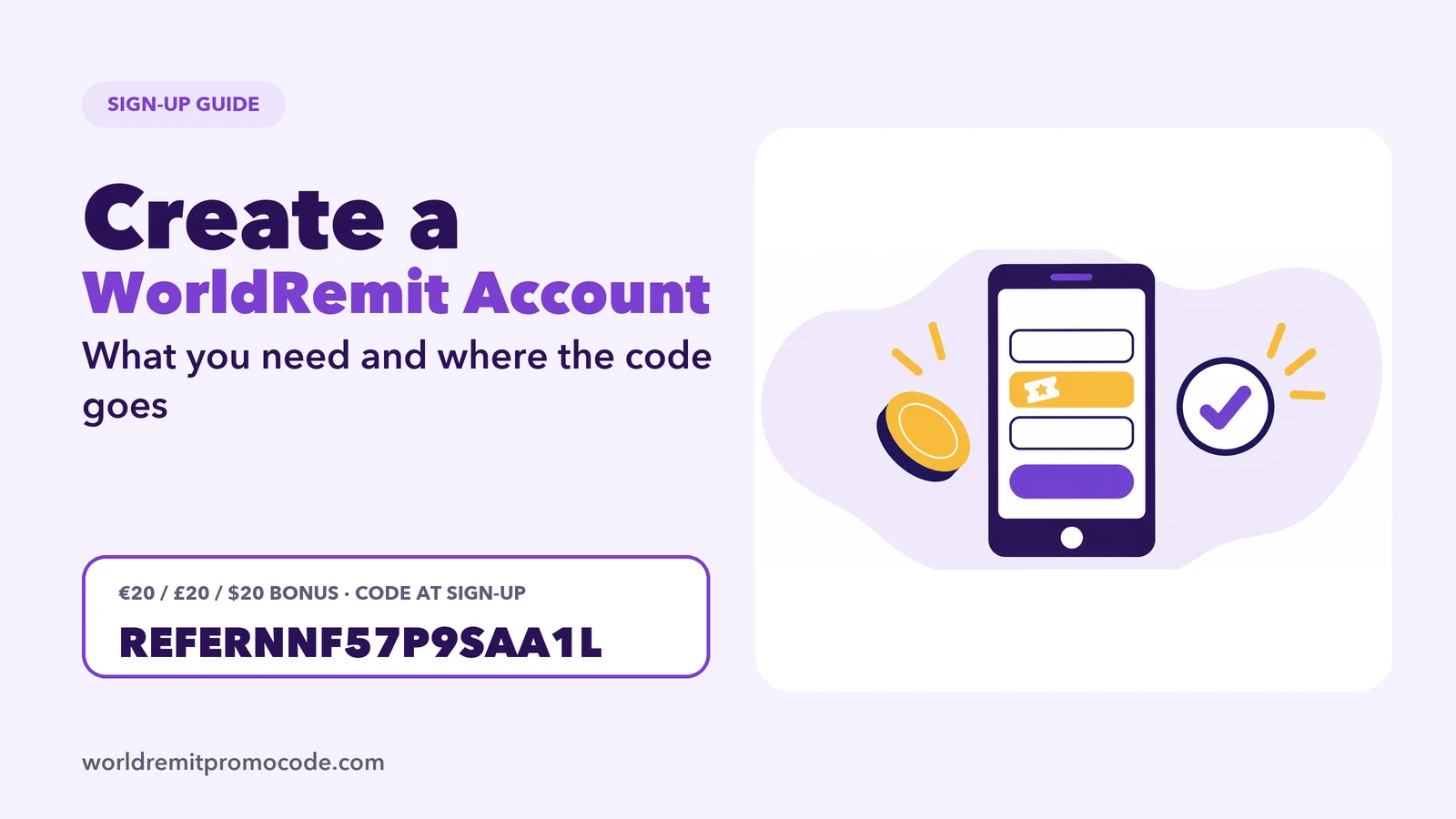
You create a WorldRemit account on the website or in the app with your email, your full name and a password, then verify who you are with a government photo ID. It takes a few minutes. If you want the new customer offer promoted on this site, enter the referral code on the sign-up form before you finish.
What you need first
- An email address you can open.
- Your full name and date of birth exactly as on your photo ID.
- Your full residential address.
- A government photo ID, such as a passport or national ID. WorldRemit says a government photo ID is required.
- The country where you currently live. WorldRemit says your send-from country is the country where you live when you create the account.
Steps
- Open the referral link or go to WorldRemit's website or app store page.
- Choose to create an account.
- Enter your email and choose a password.
- Enter the referral code REFERNNF57P9SAA1L in the referral code field before you finish, if you want the offer promoted here. See WorldRemit promo code.
- Confirm your email and set a PIN. In the app you can also turn on Face ID or fingerprint, if you like.
- Add your details and verify your identity when prompted.
Create your account with the referral link so the code is applied at the right step.
Rules to know
WorldRemit's help pages say:
- There is one account per customer, with no joint accounts.
- The name and date of birth must match your photo ID.
- Your address must be the full residential address.
- Your account can only send from the country where you live.
- WorldRemit must keep your transaction history, so it cannot be deleted.
Getting these right avoids delays later. Mismatched details are a common reason for an ID check to take longer, see how long ID verification takes.
After sign-up
Once you are verified, you can send your first transfer. How to use WorldRemit goes through it, and WorldRemit fees explains how to check the cost before you pay. If you want to look at the company first, read Is WorldRemit legit?.
Changing details later
WorldRemit says you can change your email, phone number and address in the app under My details. If you forget your PIN, use the "Forgot?" option in the app.
FAQ
How do I create a WorldRemit account?
Open the app or website, choose create account, enter your email and password, add your details and verify your photo ID.
What do I need to sign up?
An email address, your name and date of birth as on your ID, your residential address and a government photo ID.
Can I have two WorldRemit accounts?
No. WorldRemit says there is one account per customer.
Where do I enter the referral code?
In the referral code field on the sign-up form, before you finish creating the account.
Can I change my email later?
Yes, in the app under My details.