
WorldRemit Promo Code: How to Get Your €20 / £20 / $20 Bonus
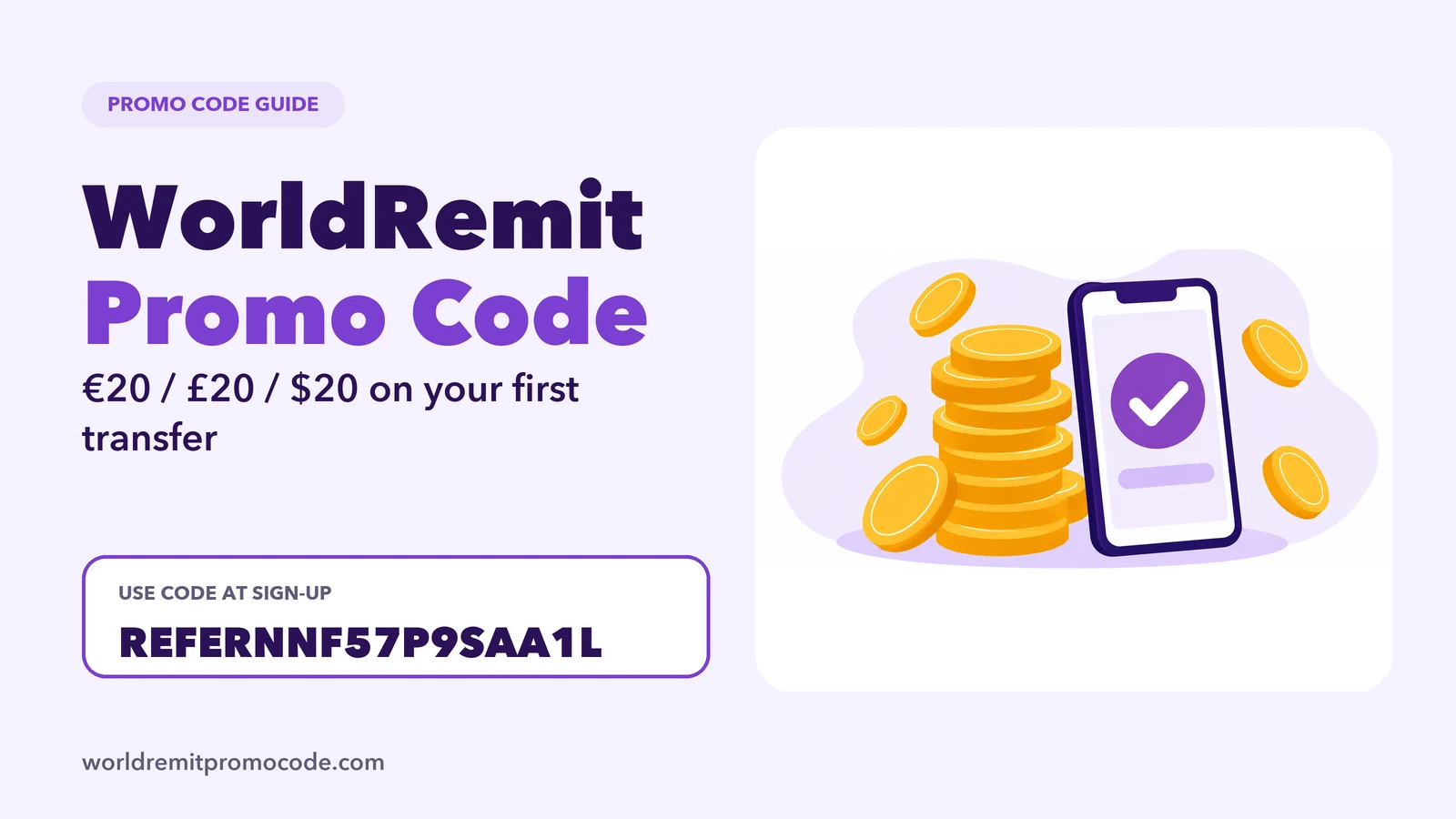
The offer promoted on this site gives new WorldRemit customers €20, £20 or $20 after a first transfer of €30, £30 or $30 or more. You sign up with the referral link and type REFERNNF57P9SAA1L in the code field on the sign-up form. This page explains each step and what to check, so you do not miss the bonus.
The offer in one minute
- Who it is for: new WorldRemit customers creating a new account.
- What you do: open the link, start sign-up, enter REFERNNF57P9SAA1L in the referral code field.
- What you send: a first transfer of €30, £30 or $30 or more, in the currency of the country you send from.
- What you get: €20, £20 or $20 once that transfer completes.
Claim the bonus with the link above. Rewards on WorldRemit vary by route, so the amount you see in the app is the one that counts.
Referral code or promo code?
WorldRemit treats these as two different things, and mixing them up is the most common reason people miss a bonus.
- A referral code belongs to someone who already uses WorldRemit and goes on the sign-up form of a new account. REFERNNF57P9SAA1L is a referral code.
- A promo or voucher code goes in the promo code field when you set up a transfer, and is tied to your own account.
If you want the detail, read where to enter the WorldRemit promo code. Searching "promo code" and "referral code" usually leads to the same offer, which is why both words appear on this site.
Step by step
- Open the referral link on your phone or computer. It takes you to the website or the app store.
- Choose to create an account. Use your real name and date of birth, because they must match your photo ID. See how to create a WorldRemit account.
- Enter REFERNNF57P9SAA1L in the referral code field before you finish sign-up. It is hard to add later.
- Verify your identity when asked. Most checks are quick, as covered in how long ID verification takes.
- Set up your first transfer of €30, £30 or $30 or more and pay.
- Follow it in the app. How to track a WorldRemit transfer shows where to look.
Your country
Pick the guide that matches where you live: WorldRemit promo code UK or WorldRemit promo code USA. WorldRemit says the send-from country is the country where you live when you create the account, so choose it carefully.
Why people miss the bonus
- They already have an account. The offer is for new accounts, see promo code for existing customers.
- They skip the code field and try to add it later.
- They send less than the minimum amount for the offer.
- They use a second account. WorldRemit allows one account per customer.
Check before you send
A bonus is only worth it if the transfer itself is good value. Look at the fee, the exchange rate and what your recipient receives, as explained in WorldRemit fees. If you want to know about the company first, read Is WorldRemit legit? and Is WorldRemit safe?.
This is an independent site, not WorldRemit. Offers and terms can change, so check the conditions shown in the app before you pay.
FAQ
What is the WorldRemit promo code?
On this site it is a referral code, REFERNNF57P9SAA1L, entered at sign-up. With a first transfer of €30, £30 or $30 or more, the offer promoted here gives €20, £20 or $20.
Where do I enter the code?
In the referral code field on the sign-up form, before you finish creating the account.
Can I use it on an existing account?
The offer is meant for new accounts. WorldRemit allows one account per customer.
Is there a WorldRemit promo code for 2026?
Offers change over time, so the amount and conditions shown in the app when you sign up are the ones that apply.
Is a referral code the same as a promo code?
No. A referral code goes on the sign-up form. A promo or voucher code goes in the promo field on a transfer.