
WorldRemit Verification Taking Too Long? What to Do
WorldRemit says most identity checks are done within about 5 minutes of submitting your documents, but you should allow up to 24 to 48 hours. If it has been longer, or your transfer is stuck, check your email and the quality of your ID photo first. Then contact WorldRemit through its official app.
This guide lists the usual reasons for delay, what to check, and what to do next. Facts come from WorldRemit's verification help page, read in October 2026.
What WorldRemit says about timing
- The majority of checks finish within 5 minutes of you submitting documents.
- It says to allow up to 24 to 48 hours.
- It contacts you if it needs more from you, by email or phone.
If you are well inside that window, the best step is to wait and keep an eye on your inbox. The ID verification timing guide goes through the normal process.
Common reasons for a delay
WorldRemit lists these as the usual causes when a check fails or stalls:
- Details that do not match. The name and date of birth on your account must match your photo ID exactly.
- A low-quality photo. Blurry, cropped or dark images are rejected. For a passport, all four corners must be visible. A national ID needs the front and back.
- The wrong kind of ID. WorldRemit accepts a national ID issued in the sending country, or a passport. A driving licence is accepted only if you are outside the EU.
- An expired or invalid document. The ID must be valid.
- Missing information. Depending on where you send from and how much, it may also ask for your purpose of transfer or source of funds.
- Address proof, in one case. Address verification applies to customers sending from New Zealand, with documents no older than 3 months.
What to do, step by step
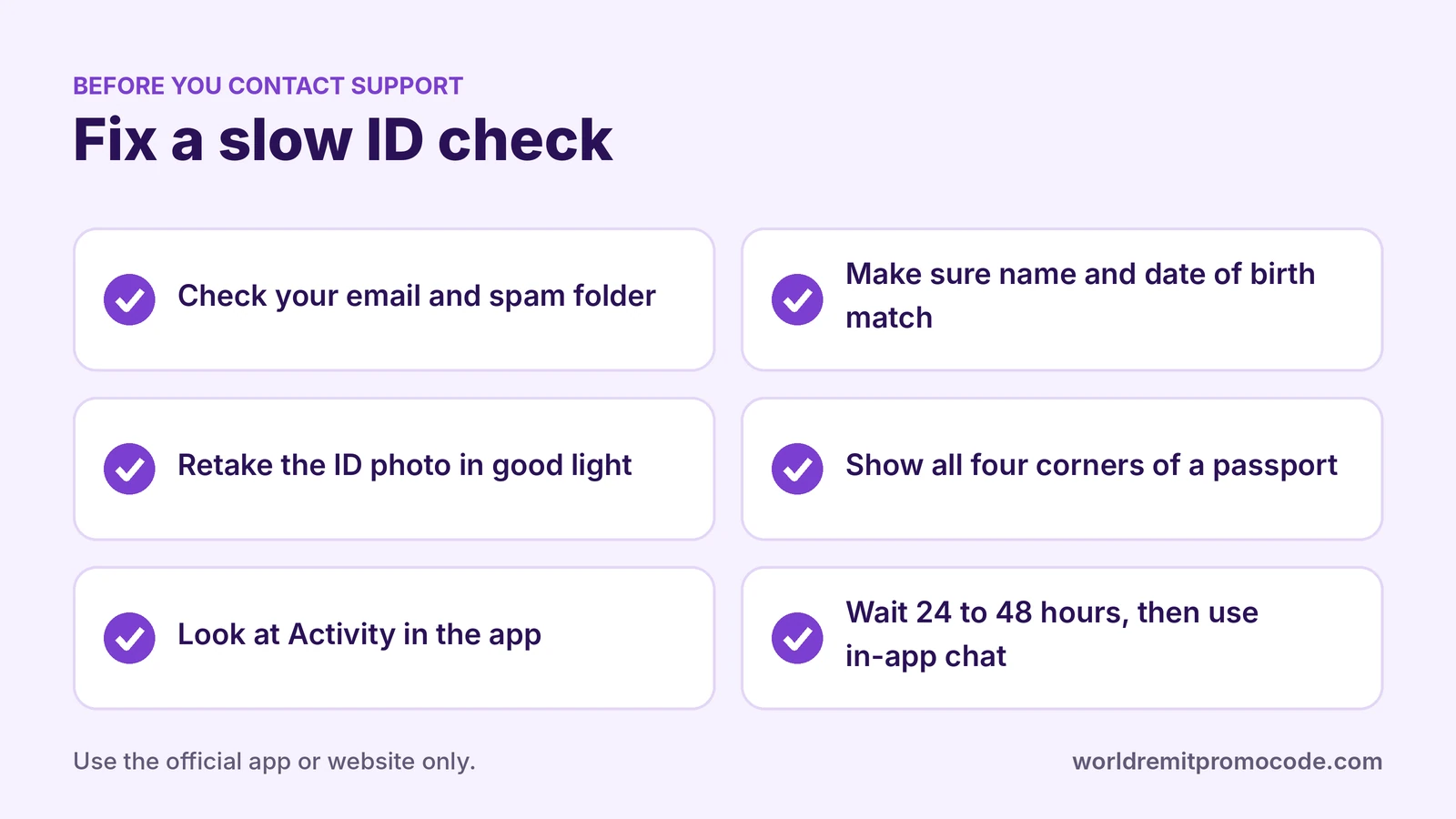
- Check your email, including spam. WorldRemit may have asked for something.
- Open the app and look at your account. Make sure every detail is complete and correct. WorldRemit says all details must be verified and that transfers can be held for regulatory reasons.
- Retake your ID photo in good light. Lay the document flat, avoid glare and show all corners.
- Fix any wrong detail. Your email, phone and address can be changed under My details. Your name and date of birth must match your ID.
- Look at your transfer. Open Activity to see if it is waiting. See how to track a WorldRemit transfer.
- Contact WorldRemit if 48 hours have passed. Use the in-app chat or the official Help centre. Do not use a phone number or WhatsApp number from an unknown website.
Stay safe while you wait
Never send your ID photos or account details to someone who messages you offering to "speed up" verification. WorldRemit says it will never ask for your login details. See Is WorldRemit safe? for more.
If you are new to WorldRemit
If you are still creating your account, the account guide shows what you need. The offer promoted on this site is for a new account entering the code REFERNNF57P9SAA1L at sign-up, then sending €30 / £30 / $30 or more. Amounts and conditions can change, and the reward may wait until verification and the first transfer are complete. Start from the sign-up link.
FAQ
How long does WorldRemit take to verify my ID?
WorldRemit says most checks finish within 5 minutes of submitting documents, and you should allow up to 24 to 48 hours.
Why is my WorldRemit verification failing?
Common reasons are details that do not match your ID, a low-quality photo, the wrong type of document or missing information.
Which ID does WorldRemit accept?
A national ID issued in the sending country (front and back), or a passport with all four corners visible. A driving licence is accepted only outside the EU.
Can I send money while I wait?
WorldRemit says transfers can be held until your details are verified, so a transfer may not complete until the check is done.
Is this website official?
No. This is an independent site that shares a referral code and may earn a reward if you sign up through its link. See the affiliate disclosure.