
Send Money to Ghana With WorldRemit: Methods, Speed and Tips
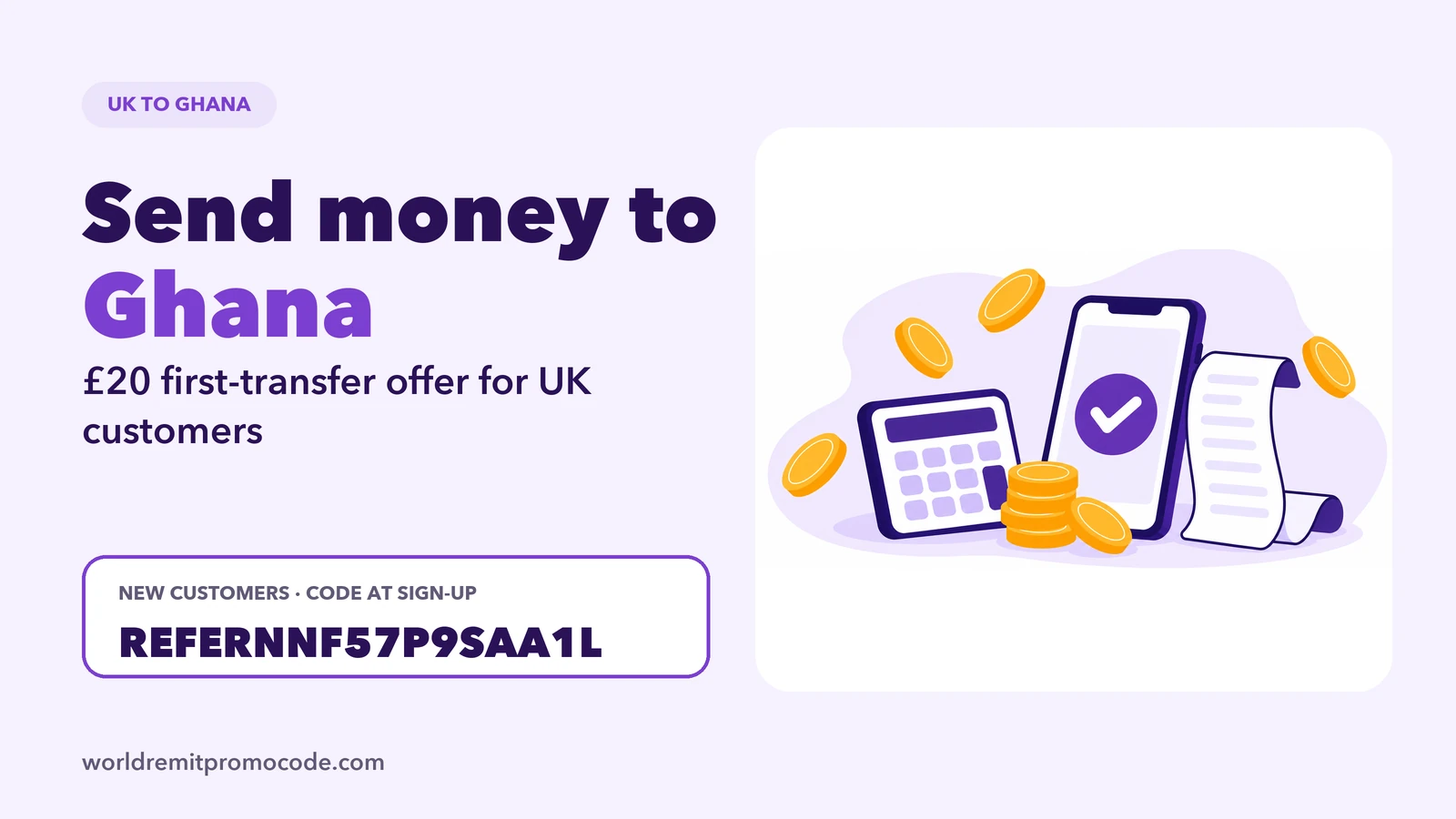
You can use WorldRemit to send money from the UK to Ghana on its website or app. Before you pay, check the recipient’s preferred payout method and review the fee, exchange rate, recipient amount and estimated arrival time shown for the transfer.
What the Ghana route page shows
WorldRemit’s UK-to-Ghana page displays GBP as the sending currency and GHS as the receiving currency. It lists bank transfer, cash pickup, mobile money and airtime top-up among its delivery services. Options may differ depending on the transfer, so confirm the one you want is shown in your account.
The route page says the recipient does not need to have a WorldRemit account. They do need the details or account needed for the payout method selected. Ask them whether they prefer a bank deposit, cash collection, a mobile wallet or airtime before filling out the form.
Send money to Ghana step by step
- Open the WorldRemit website or app and sign in, or create an account.
- Choose Ghana as the receive country and enter your amount in GBP.
- Select a delivery method available for your transfer.
- Add the recipient’s name and the details requested for that method.
- Review the total cost, exchange rate, amount in GHS and delivery estimate.
- Pay, then keep the reference and monitor the transfer status.
The UK route page lists bank transfer and debit or credit card as ways to pay, but use the options actually displayed for your account. If you use a credit card, check whether your card issuer treats the payment differently or adds a fee. The payment methods guide explains card and bank payment considerations.
Choose the payout around the recipient
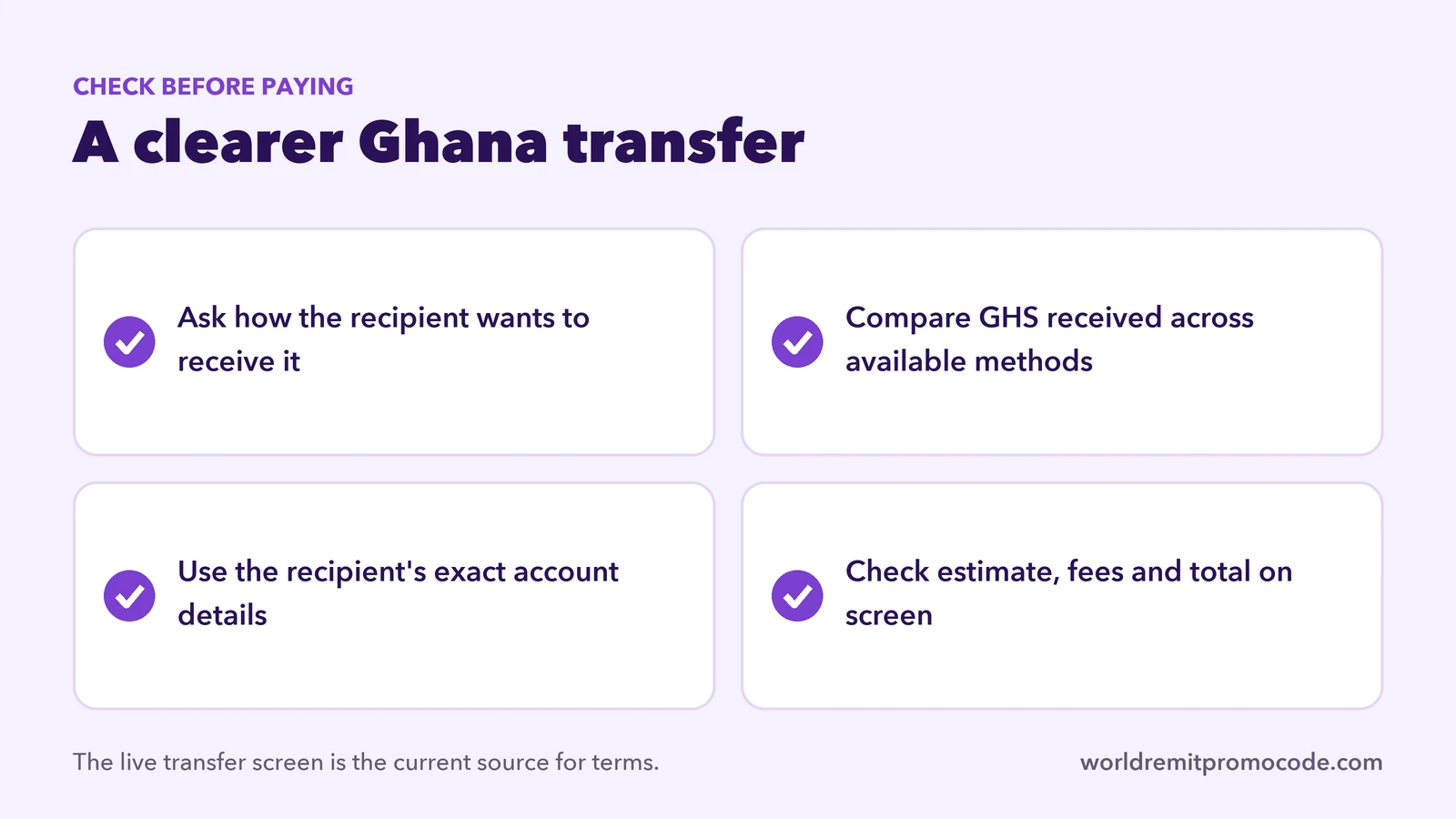
A recipient who needs money credited to an account may prefer a bank transfer. Someone who would rather collect cash should review the location and pickup requirements first. Mobile money needs an eligible wallet account, while airtime top-up is for prepaid phone credit. Do not select airtime if the recipient needs cash for bills or a bank deposit.
WorldRemit asks for recipient details based on the chosen method. Get the account name or pickup name directly from the recipient and check the mobile number carefully. If the form requests address or contact details, enter the recipient’s current information. Avoid guessing at account details, since errors can delay delivery or make a correction difficult.
For country-specific cash collection advice, read WorldRemit cash pickup. For mobile wallets, see WorldRemit mobile money. Our guide to receiving a transfer can help the recipient know what to expect.
Compare fees, rates and timing
The amount that arrives depends on the rate and the fee shown at the time you set up the transfer. WorldRemit says speed depends on destination, payout and payment methods, and may be affected by incorrect details, verification or partner operating hours. Use the estimate for your own transfer, not a general promise. See WorldRemit transfer times and fees for general guidance.
This site promotes a first-transfer offer for new UK accounts: send at least £30 on your first transfer and receive £20 after it completes. This is the offer promoted on this site, and terms or amounts can change or vary by country. Enter REFERNNF57P9SAA1L in the referral field during sign-up and check the current conditions in the app. Open the referral link.
You can also compare our UK route guides for Nigeria and Kenya. The standard steps are in how to use WorldRemit.
FAQ
Can I send money to Ghana from the UK with WorldRemit?
Yes. WorldRemit has a UK-to-Ghana route page. Confirm the available payout method in your account before sending.
What currency does the recipient get?
WorldRemit’s route page displays GHS. The transfer screen shows the exact amount before you pay.
Does my recipient need a WorldRemit account?
WorldRemit says a recipient does not need one. They may need a bank account, mobile wallet or ID depending on how you send.
Is the offer an official WorldRemit promotion?
The £20/£30 offer described here is promoted by this independent site. Check the current in-app terms; the site may earn a referral reward. See the disclosure.