
Send Money to India With WorldRemit: Methods, Speed and Tips
You can send money from the UK to India with WorldRemit through its website or app. The service shows the available payout options, transfer fee, exchange rate and estimated delivery time while you set up the transfer, before you pay.
What the India route offers
WorldRemit’s UK-to-India page shows GBP as the sending currency and INR as the receiving currency. Its destination page lists bank transfer, cash pickup and airtime top-up among the delivery choices; the options offered can depend on the route and recipient, so check the menu for the actual transfer you create.
There is no single rate or fee to rely on for every payment. Enter the amount and compare the recipient total with the full amount you will pay. The fees guide explains where to look, and WorldRemit exchange rates explains why the displayed rate can differ from a rate you see elsewhere.
How to set up a transfer
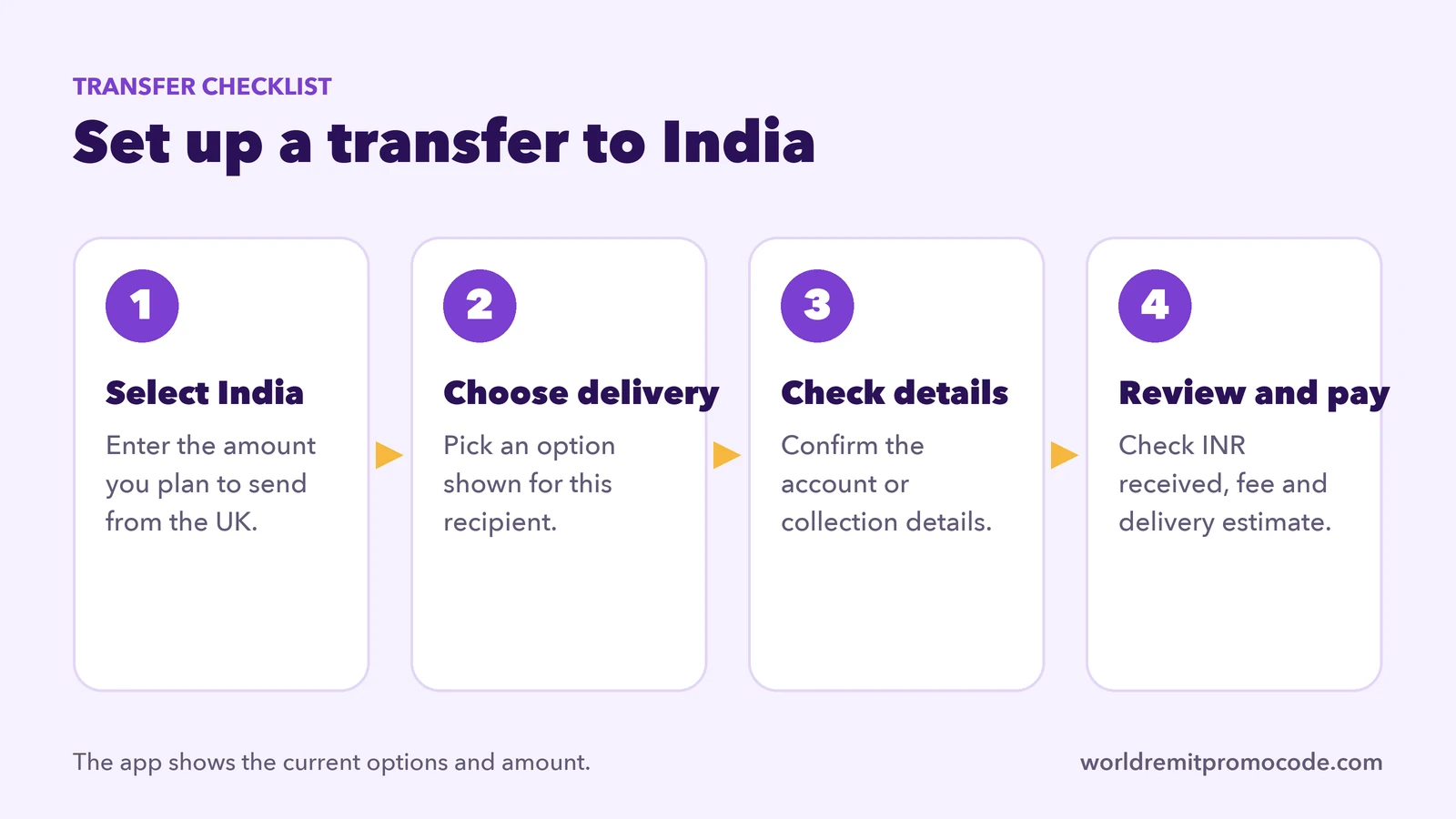
- Log in to WorldRemit or create an account.
- Select India and enter the amount you want to send in GBP.
- Choose a payout option shown for your transfer.
- Add the recipient’s details exactly as requested in the form.
- Check the exchange rate, fee, amount they will receive and delivery estimate.
- Pay using one of the options offered to your UK account, then save the reference.
WorldRemit’s route page says the receiving details depend on the method. A bank transfer generally means you should confirm the account name and details directly with the recipient before you start. If you choose a different method, follow the instructions shown in the app. WorldRemit says it will show the final amount for you and the recipient before you complete the transfer.
Check recipient and payment details
A typo in a recipient’s name or account details can delay a transfer or make it difficult to correct after sending. Ask the recipient to provide details in the format shown on the form. If they use a bank account, check the bank name and account identifiers carefully. Do not send money until both of you agree on the amount and how it will be received.
The UK destination page says a customer can pay by bank transfer or debit or credit card, while the exact options can depend on the account and transfer. Some card issuers may apply their own fee. Read WorldRemit payment methods before choosing a card, especially if the card is issued outside the UK.
Delivery estimate and tracking
Do not treat a general estimate from another transfer as a guarantee. The route page explains that delivery depends on the destination, receive method and payment method, and can also be affected by incorrect details, identity checks or partner operating hours. Use the estimate attached to your own transfer. The sender can check progress in the app; our transfer tracking guide shows where to find it.
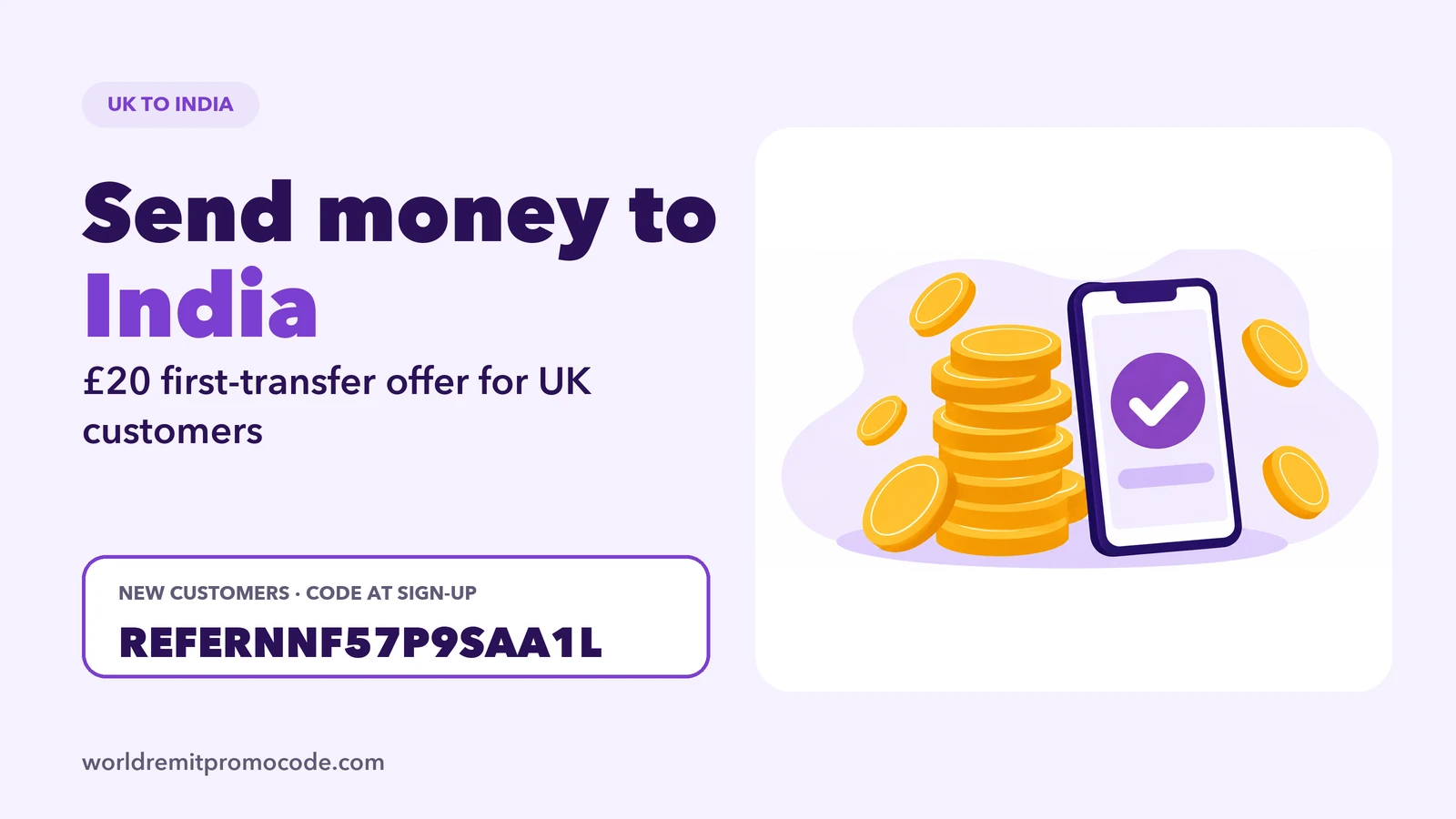
This site promotes a first-transfer offer for new UK accounts: send £30 or more on your first transfer and receive £20 when the transfer completes. This is the offer promoted on this site; conditions and amounts can change or vary by country. Enter REFERNNF57P9SAA1L in the referral field at sign-up and confirm the terms shown in the app. Open the referral link.
For general setup help, see how to use WorldRemit and how to receive money sent with WorldRemit. You can also compare other UK destinations in our guides to Pakistan and Nigeria.
FAQ
Can I send money from the UK to India with WorldRemit?
WorldRemit has a destination page for the UK-to-India route. Confirm the current options for your transfer in the app before paying.
What currency is shown for India?
The route page displays INR as the receiving currency. The transfer screen shows the current exchange rate and amount the recipient will get.
What details should I ask the recipient for?
It depends on the payout method. For a bank transfer, ask for the bank and account information requested by WorldRemit’s form, and check each character before paying.
Is this an official WorldRemit page?
No. This is an independent guide. This site may earn a reward from its referral link; see the disclosure.